
Part 2 of 6
Incident Command & EOC Operations
For chiefs and emergency managers who have watched a command post and an EOC give conflicting direction: what each is for, how information moves between coordination layers, and what a common operating picture has to do before it earns the name.
The EOC supports command. It does not command.
Incident command and the EOC are not the same thing
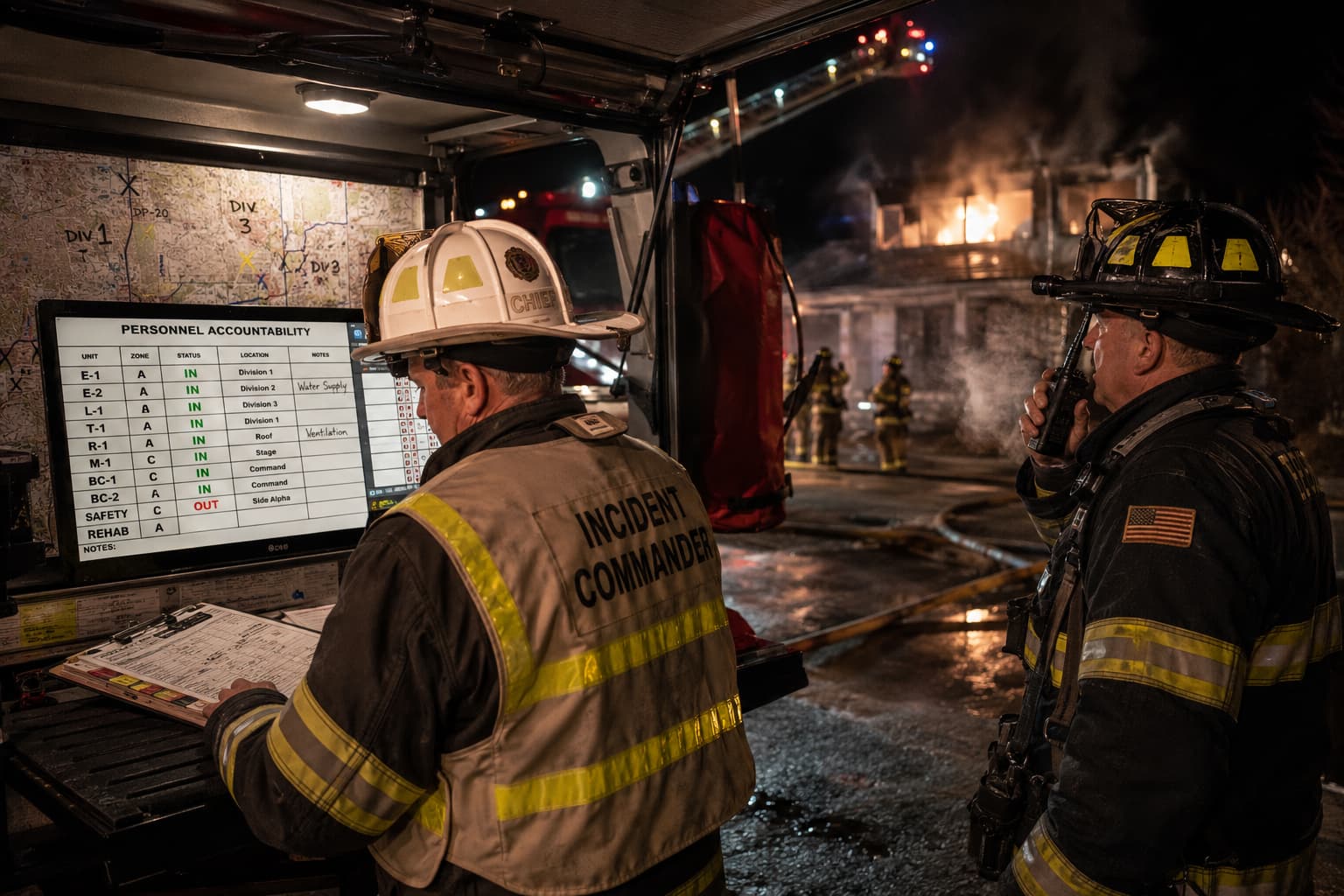
This is the most common and most expensive misunderstanding in the field, and software has made it worse by selling both from one screen. Command runs the incident. The EOC supports the incident and manages everything around it. An EOC that starts giving tactical direction has become a very large command post with a worse view.
Incident command / unified command
Tactical objectives for this incident
Emergency operations center
Coordination between agencies, incidents and jurisdictions
Incident command / unified command
Life safety at the scene
Emergency operations center
Policy support and executive decisions
Incident command / unified command
Stabilizing the incident
Emergency operations center
Situational awareness across the whole event
Incident command / unified command
Protecting property and the environment
Emergency operations center
Resource support, sourcing and tracking
Incident command / unified command
Directing operations in the field
Emergency operations center
Information management and public information
Incident command / unified command
One incident, now
Emergency operations center
Consequences, continuity and the start of recovery
The EOC supports command. It does not command.
How information moves between the layers
Information flows in both directions between these. Authority does not. Read this as a diagram of who needs to know what, never as a chain of command.
What is actually happening, reported by the people it is happening to.
Tactical direction, and the incident's own picture of itself.
Multiagency coordination, resource support, and the picture across every incident at once.
Policy, money, legal authority and the decisions nobody else can make.
Capability the jurisdiction does not have, and the systems it has to be legible to.
Good technology moves information between these layers without confusing whose decision is whose. Software that flattens them into one shared screen tends to flatten the roles with it.
The common operating picture
A common operating picture is not a large map on a wall. It is whether the people who have to make decisions share enough understanding to make them together.
The test is not how much is on the screen. It is whether a chief, an emergency manager and a partner agency reading it at the same time would describe the situation the same way — and would know which parts of it are uncertain.
What it has to answer
If the picture cannot answer these, it is a display rather than a common operating picture.
- What happened?
- What is happening now?
- What is likely to happen next?
- Where are the impacts?
- Who is affected?
- What resources are committed?
- What resources are needed?
- What is still unresolved?
- What decisions are required, and by whom?
- Which of this is uncertain?
The last one is the one that gets left out, and the one that gets people hurt.
Data is not the same as understanding
Adding more data does not automatically produce situational awareness. Each of these steps is work, and technology only genuinely helps with the first two.
- Data
Readings, records, reports and feeds. Cheap, plentiful, and meaningless on its own.
- Information
Data given context — where, when, whose, how reliable.
- Understanding
What the information means for this community, arrived at by people.
- Decision
What we are going to do about it, and who decided.
- Action
The thing that actually changes the outcome.
The goal is not one giant database. It is enough shared understanding for separate organizations to make coordinated decisions.
Resource management begins before the incident
The worst possible time to find out what exists, who owns it and how to ask for it is while you need it. Typing, credentialing, inventorying and agreements are all pre-incident work, and all of them are cheap compared with the alternative.
- Identify
Know what you have, and what your neighbors have.
- Type
Describe it so somebody else understands it. A Type 3 anything means the same thing everywhere, which is the entire point.
- Request
Ask, through a route that exists on paper before the day.
- Order
Somebody sources it and commits it.
- Track
Where is it, is it moving, when does it arrive.
- Assign
What is it doing, and for whom.
- Demobilize
Send it home deliberately, before it becomes a cost nobody authorised.
- Document
What it did, what it cost, and the paperwork the reimbursement will be audited against.
Technology's job here is to let a single request be followed through all eight without being retyped. If a system cannot answer "where is the thing I asked for on Tuesday", it is not resource management software.
What to do next
Coordination is only half of it. The next part is about what the incident has actually broken in the community, and whether the people in it understood what you told them.
Read: Community Impact & Public Warning