
Official resource
Public Safety Communications Research Division
NIST's public safety technology research program, organized around operational capability gaps rather than products.
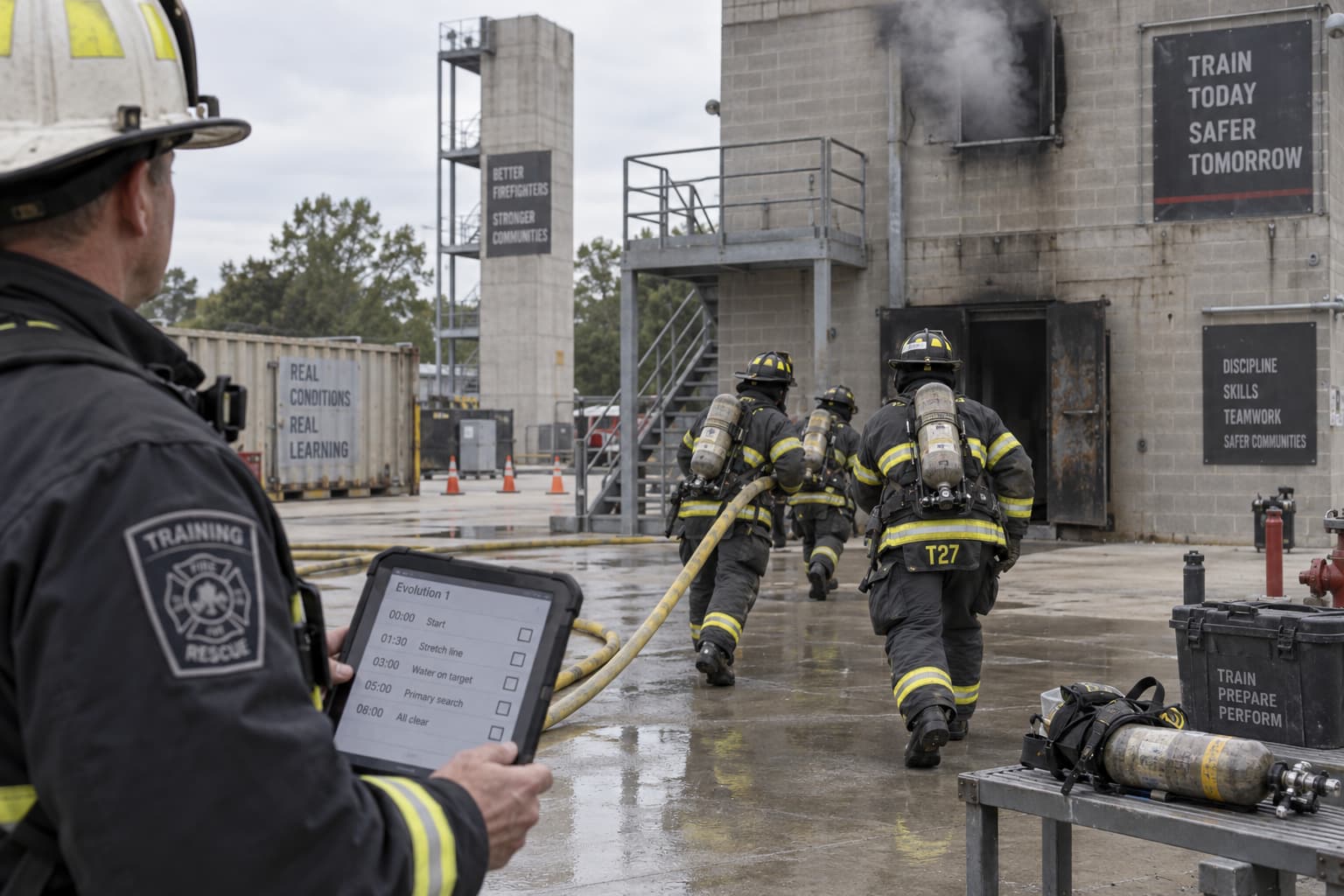
Capture what worked, what failed, what you would change, and what the project revealed about the department's next technology priorities.
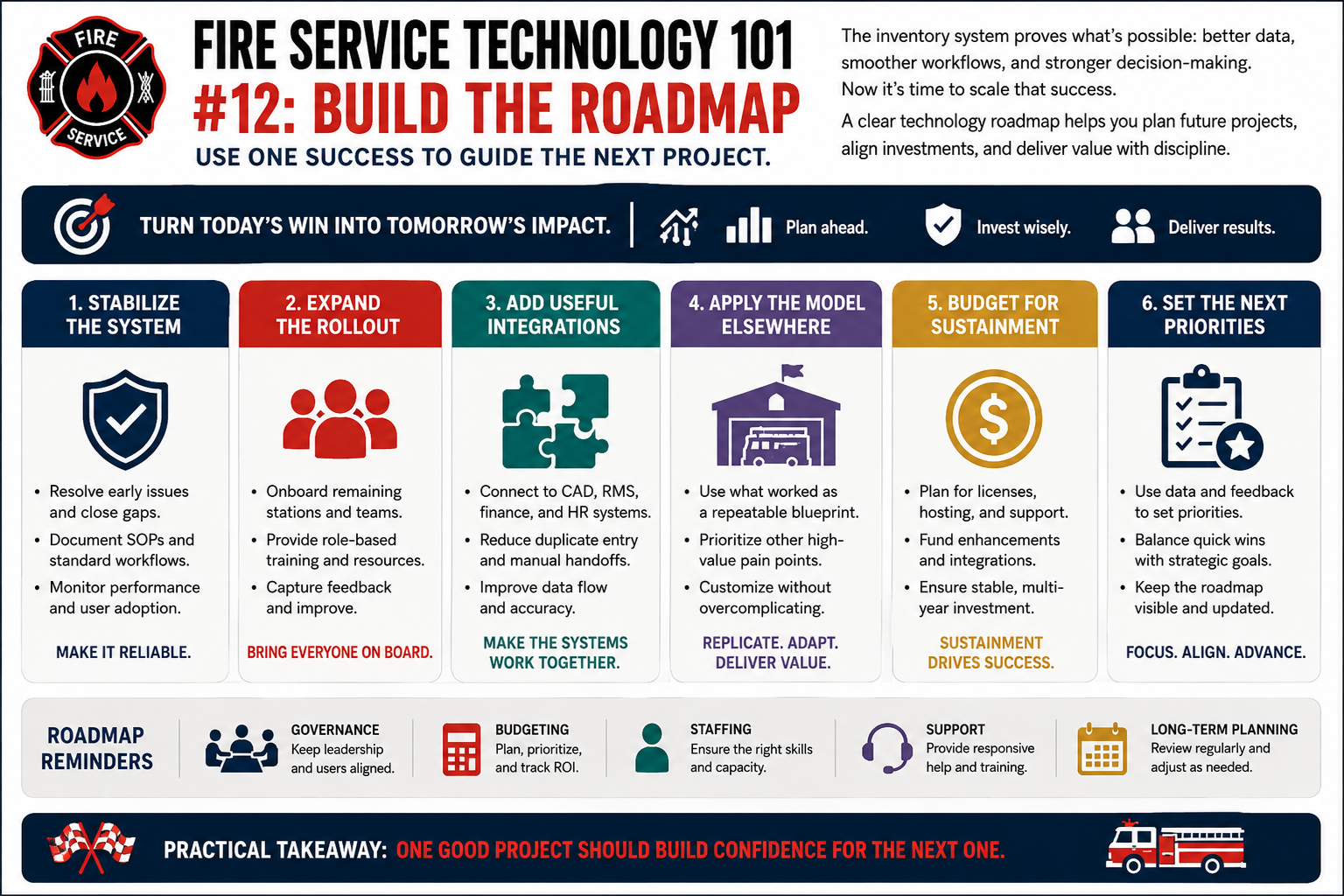
Every technology project should make the next technology decision better. Write down the lessons while they are still uncomfortable and specific: what worked, what failed, what you would do differently, the gaps this project exposed, the dependencies you discovered, the training that turned out to be necessary, and what all of that says about your three-year priorities. Then go back to the beginning. Start with the need. Choose the technology last.
A technology roadmap that lists only what the department wants to buy next is half a roadmap. The other half is what the department already owns and has to keep running.
For every major technology in the department, someone should be able to answer the following without going looking. If nobody can, the roadmap is a wish list rather than a plan.
This does not need to be a large document. For most departments it is one table, reviewed once a year, and it turns budget season from an argument into arithmetic. It is also the single most useful thing to hand a successor.
Decommissioning should be part of lifecycle planning, not something discovered after a replacement contract is signed.
The end of a system is a project in its own right, and it is almost always run under time pressure by people who have already moved on to the replacement. Plan it while you are calm — ideally at the point you buy the thing — and revisit it whenever the replacement horizon moves.
A system is not decommissioned when the replacement goes live. It is decommissioned when the contract has ended, the records are retained where they belong, and the accounts are gone.
If you read one thing on this subject, read this.
NIST's public safety technology research program, organized around operational capability gaps rather than products.