
Hub guide
Adoption and Change Management
Step 9 of the roadmap.
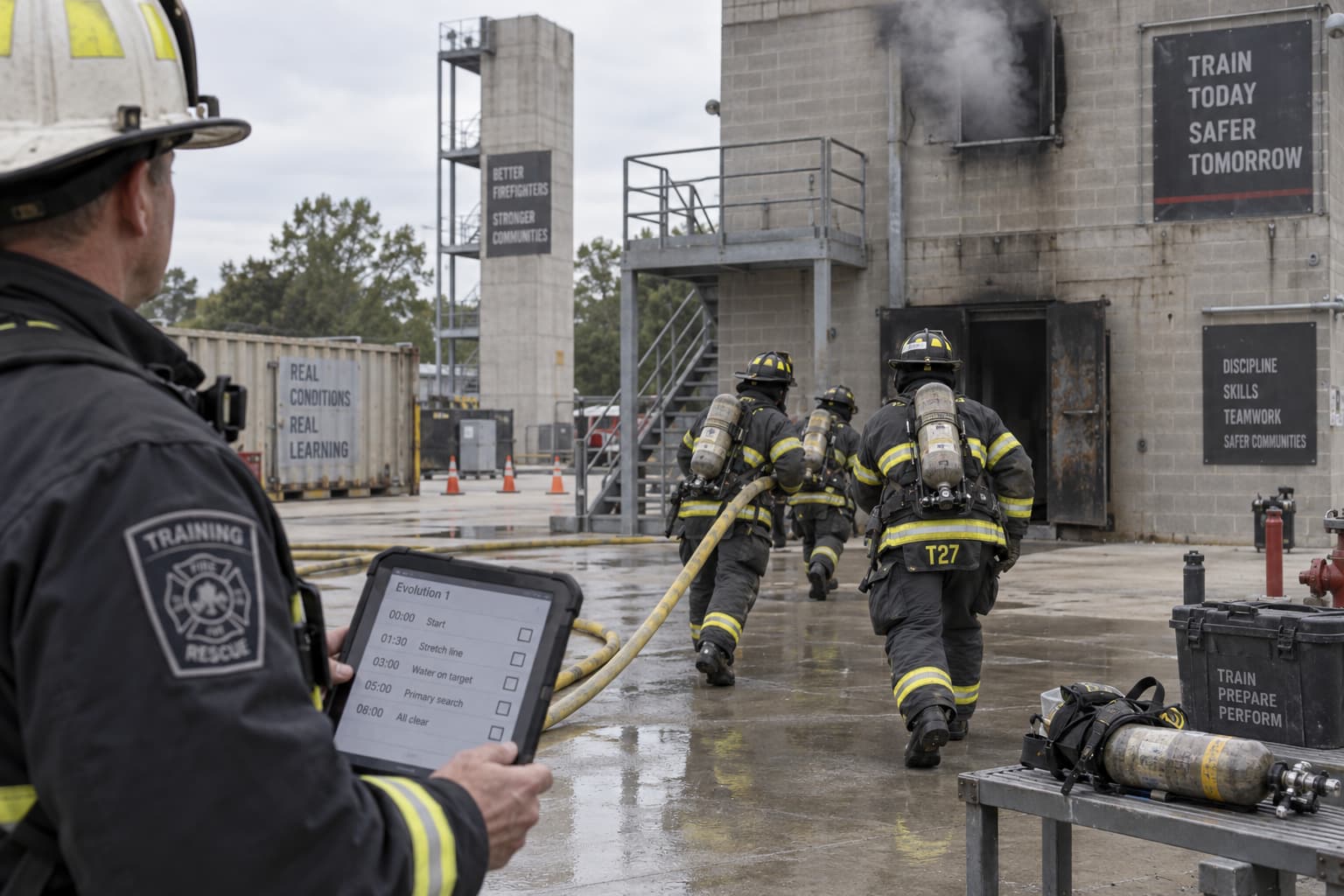
Decide how the technology will be configured, integrated, deployed, supported, trained and introduced before the contract is signed and the rollout begins.
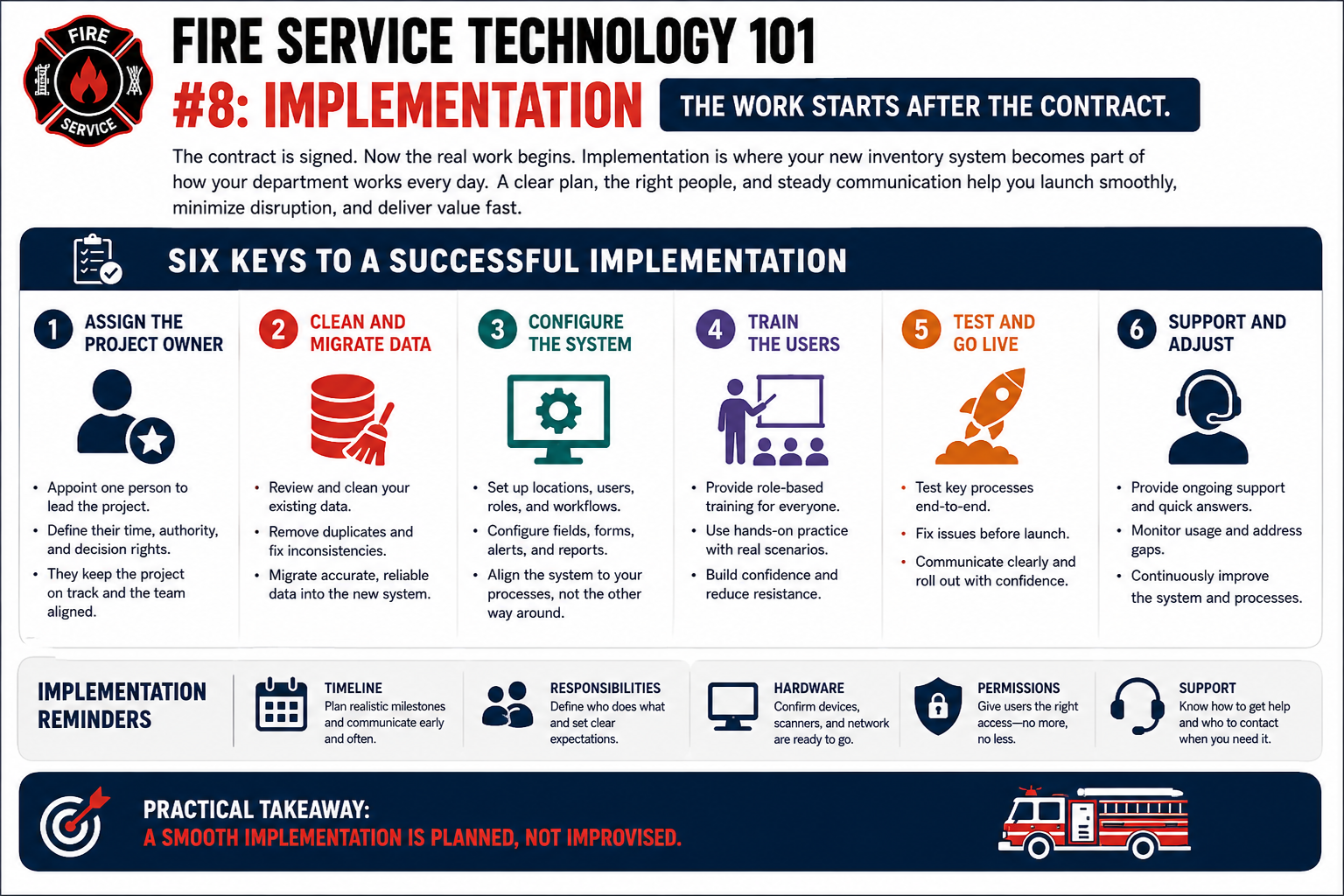
Implementation planning belongs before the signature, not after it. Name three owners and make sure everyone knows which is which: the project owner who is accountable for the outcome, the technical owner who deals with configuration and integrations, and the operational owner who answers for how it works on the floor. Then work through the unglamorous list — timeline, configuration, integrations, data migration, user accounts, policies, training, communications, support and what you do if it goes badly.
The project owner, the technical owner and the operational owner have one thing in common. Their job is largely finished when the rollout is finished.
Name a fourth. The sustainment owner is the person responsible for making sure the system is still functioning, funded, administered and supported after implementation ends.
That is a different job from the other three, and it is the one that quietly goes unassigned. It is also the one that decides whether this system is still working in year three or has become the thing everybody works around.
Implementation has an end date. Ownership does not.
Day 366 is the first day the project is nobody's project. The consultant has gone, the go-live team has moved on, the vendor's implementation contact has been reassigned, and the system is simply part of how the department works.
Decide who holds each of the following before go-live, by name, and write the names somewhere the next person will actually find them.
If the only person who understands the system retires, promotes, transfers or leaves, can someone else keep it running tomorrow?
Not a binder nobody opens. A findable, current record of the things the next administrator would otherwise have to reconstruct from scratch.
The new system gets a project plan. The old one usually gets forgotten, which is how a department ends up paying for two systems, maintaining two sets of records, and quietly depending on the old one for the information nobody migrated.
Decide all of this before go-live, while the vendor is still paying attention and the budget conversation is still open.
Running two systems indefinitely is not a transition plan.
Two items on that list are worth checking with someone outside the project team.
Retention obligations for public safety records are set by law and by your records retention schedule, not by whatever the new system happens to store. Confirm them with your records custodian or legal counsel before anything is deleted, and before anything is left behind in a system you are about to switch off.
And confirm what happens to your data in the old system once the contract ends. Some vendors delete it on a schedule, some hold it, some charge to return it. The answer is in the contract you signed rather than in the relationship you have with the account manager.
Step 9 of the roadmap.